01
Digital PDF Signature
Digitally sign PDF documents using supported certificate and signing methods configured for your environment.
A Windows-based business software suite from JSV TechGroup designed to simplify repetitive PDF work — from digital signatures and custom signature placement to bulk merge, separate, rename and organisation.
Process large numbers of PDF files together.
Place signatures where your workflow requires.
Use Excel data or process files automatically.
Reduce repetitive PDF handling in one application.
WHY THIS SOFTWARE
Many offices handle hundreds or thousands of PDF documents every month. Signing each document, merging files, separating documents, renaming files and placing them into folders manually can consume valuable working hours.
JSV TechGroup's PDF software is designed to bring these repetitive operations into one practical desktop workflow, helping businesses process large batches of documents more efficiently.
Instead of switching between different PDF tools, the software brings frequently used document operations together in one interface.
Digitally sign PDF documents using supported certificate and signing methods configured for your environment.
Combine multiple PDF files into organised output documents without repeatedly merging files one by one.
Separate documents into individual PDF files according to the selected workflow instead of manually splitting every document.
Rename large numbers of PDF files using Excel mappings, pasted names or automated matching workflows.
Automatically organise documents into destination folders based on matching names, data and selected rules.
Use multiple PDF operations together to reduce repeated manual processing across large document batches.
The software is designed around practical business signing workflows, including certificate-based digital signatures and configurable signature placement.
Select one document or a large batch of PDFs.
Choose the supported certificate/signing source.
Select pages and customise signature placement.
Complete the signing process and generate output PDFs.
Depending on the configured environment and product edition, the software can work with supported digital certificate sources and signing infrastructure.
Support for certificate-based Digital Signature Certificate workflows where compatible signing infrastructure is available.
DIGITAL SIGNATURESign using a compatible PFX certificate where the certificate and private key are available for use by the configured environment.
CERTIFICATE FILEUse supported certificates available through the Windows certificate environment.
WINDOWSSupport for configured Hardware Security Module based signing environments where the required integration is available.
SECURE INFRASTRUCTUREDifferent documents often require signatures in different locations. The software can be configured to place a signature at the required position instead of forcing the same workflow for every document.
Where the selected signing method requires user authentication or a one-time password, the signing workflow can request the required verification before completing the operation.
The goal is simple: reduce repetitive clicks and let the software handle large batches of documents using structured data, naming rules and folder matching.
Different offices organise their documents differently. The software is designed to support workflows using structured Excel information as well as workflows that rely on file names, folders and automatic matching.
Use Excel data to map documents, names and destination information.
Use file names, folders and configured matching rules where Excel is not required.
Watch the software demonstration and browse real screenshots of the interface.
Use the arrows or swipe horizontally to browse videos when more are added.
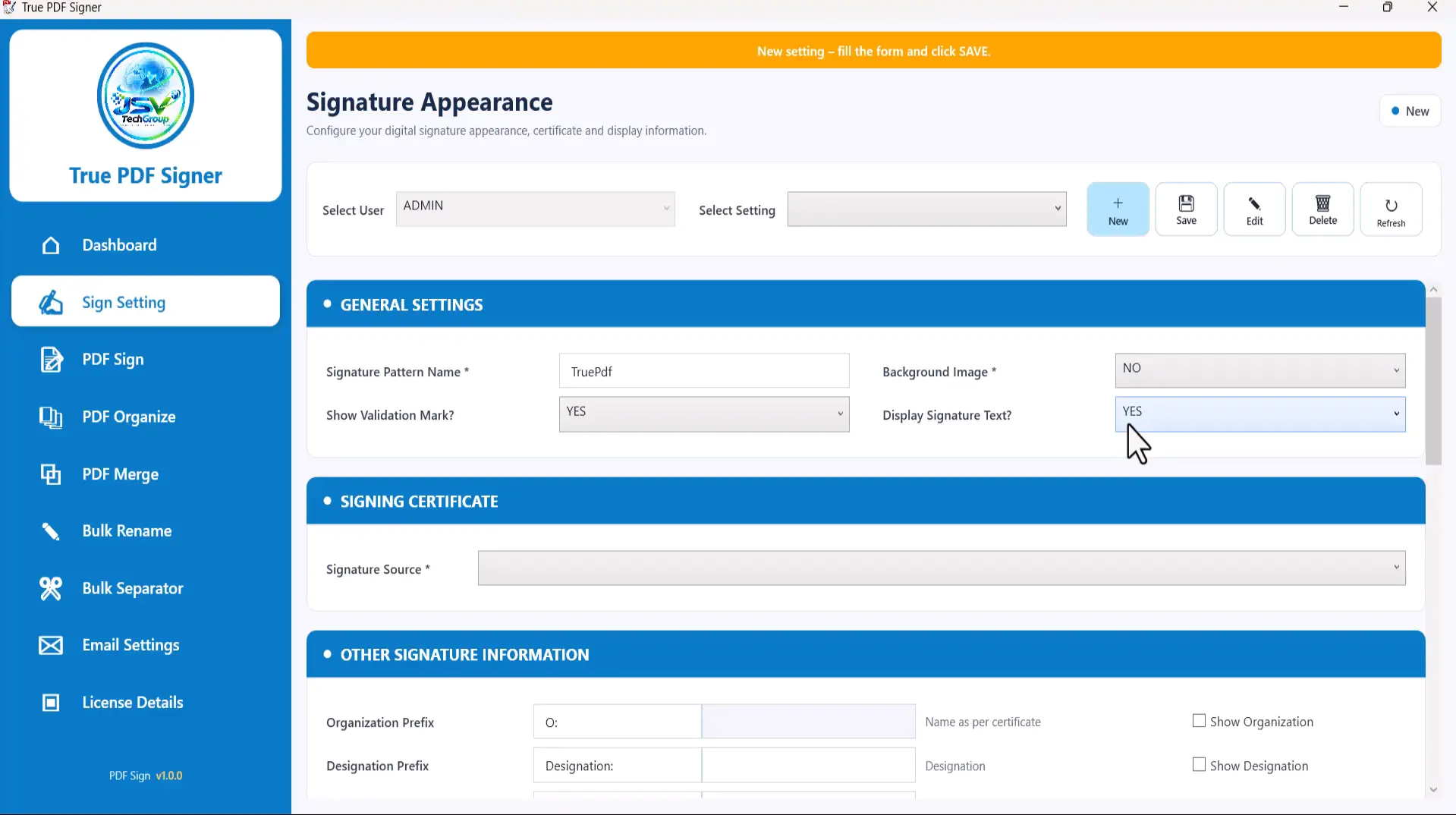
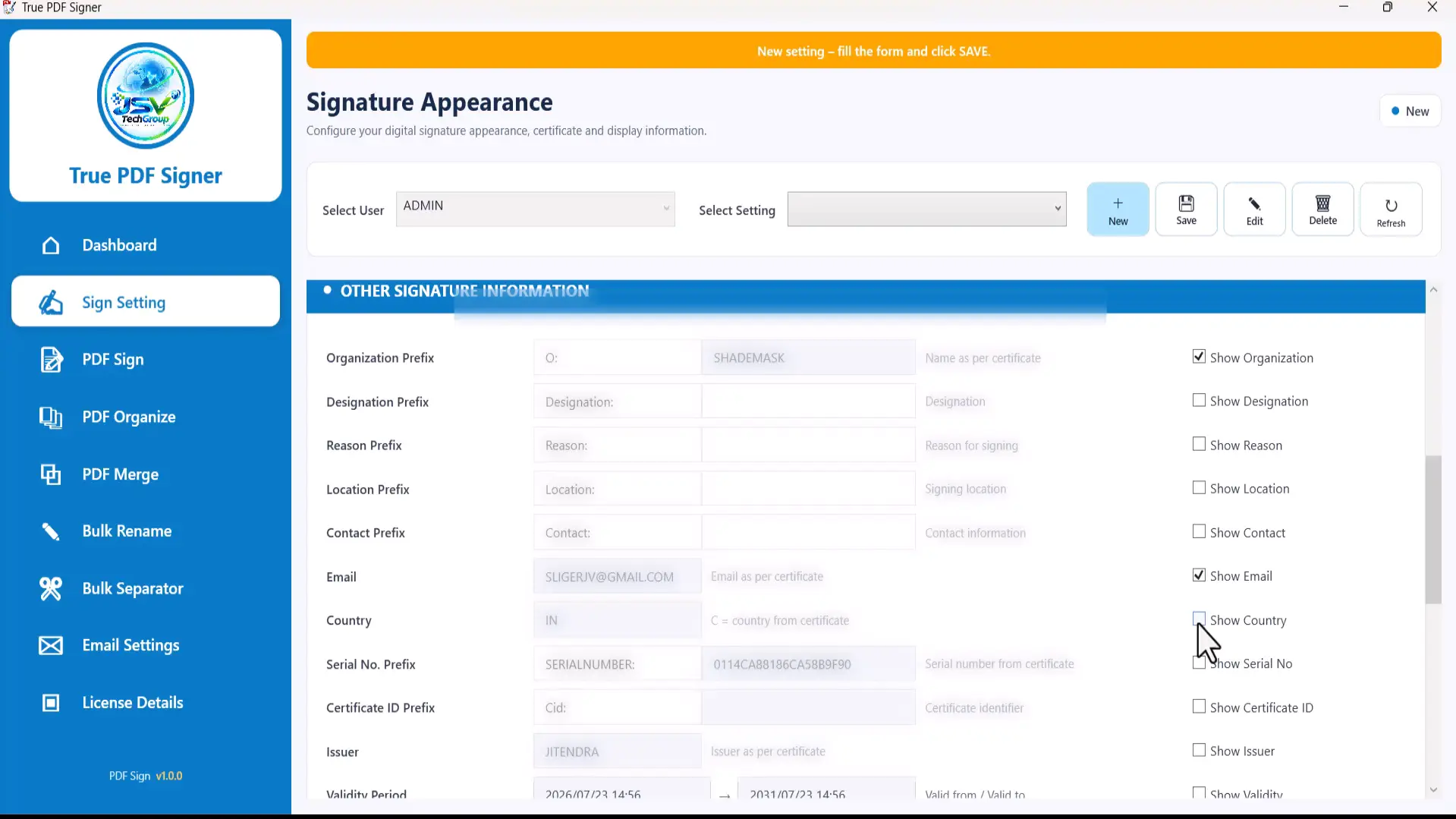
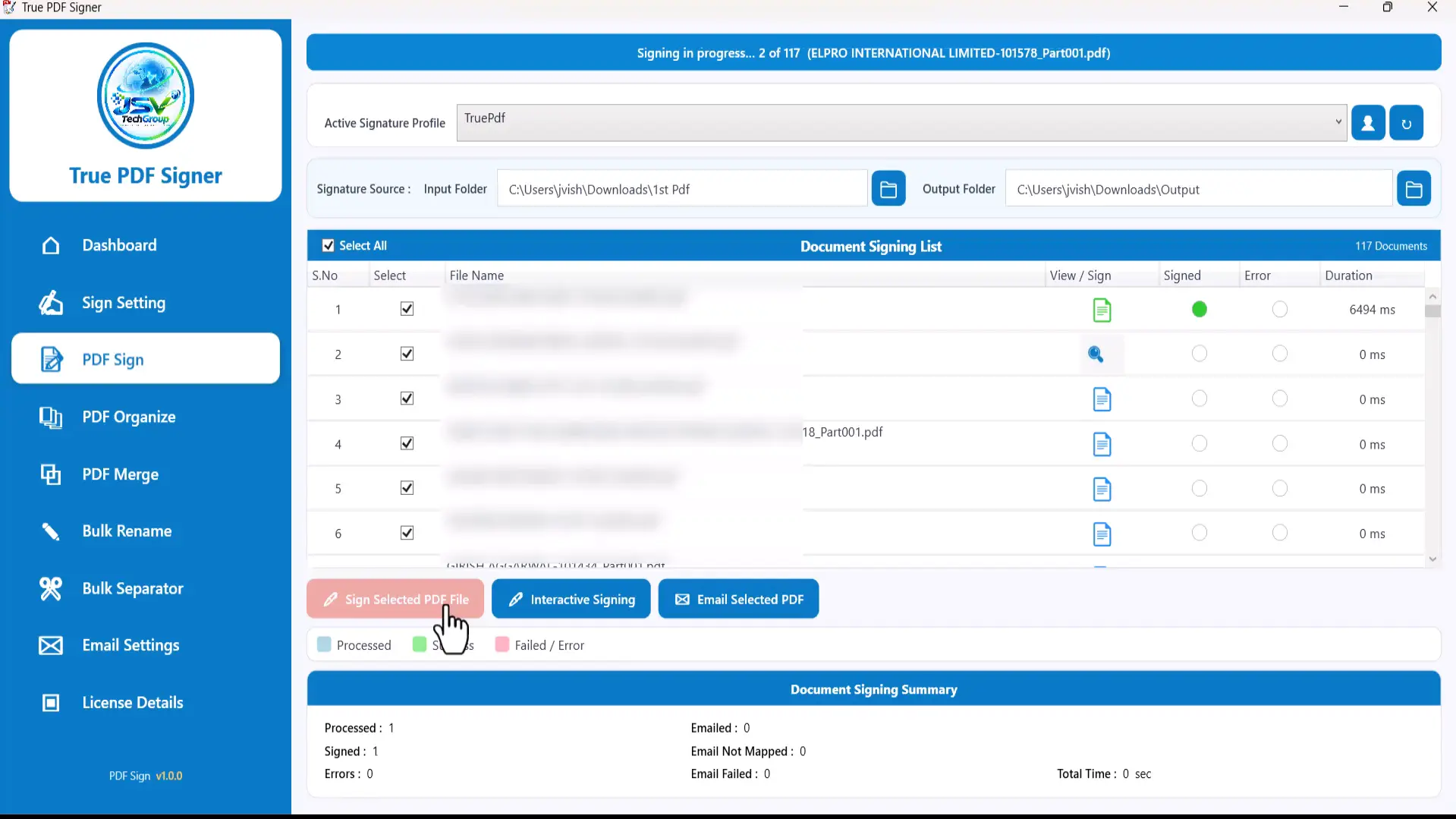
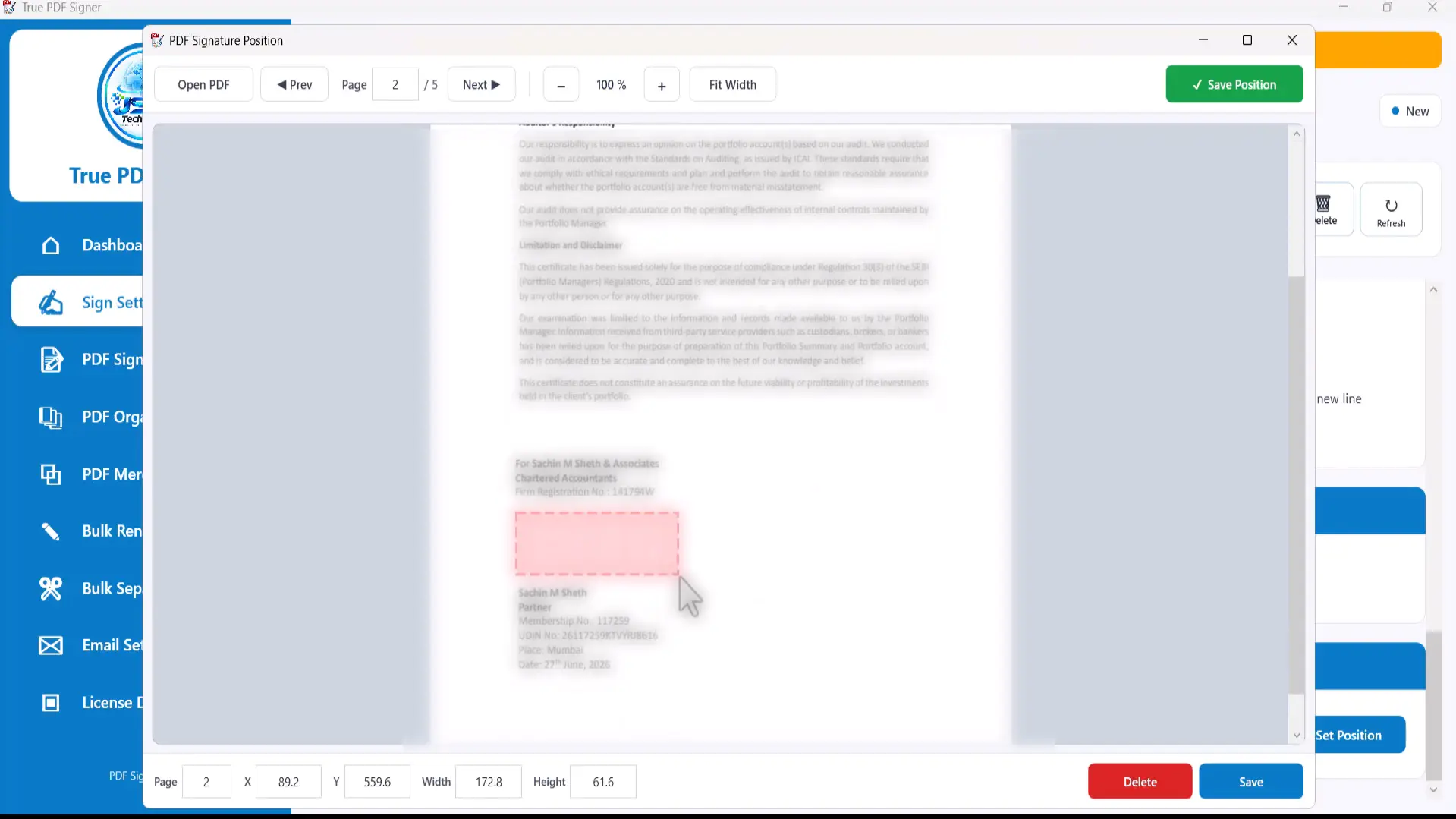
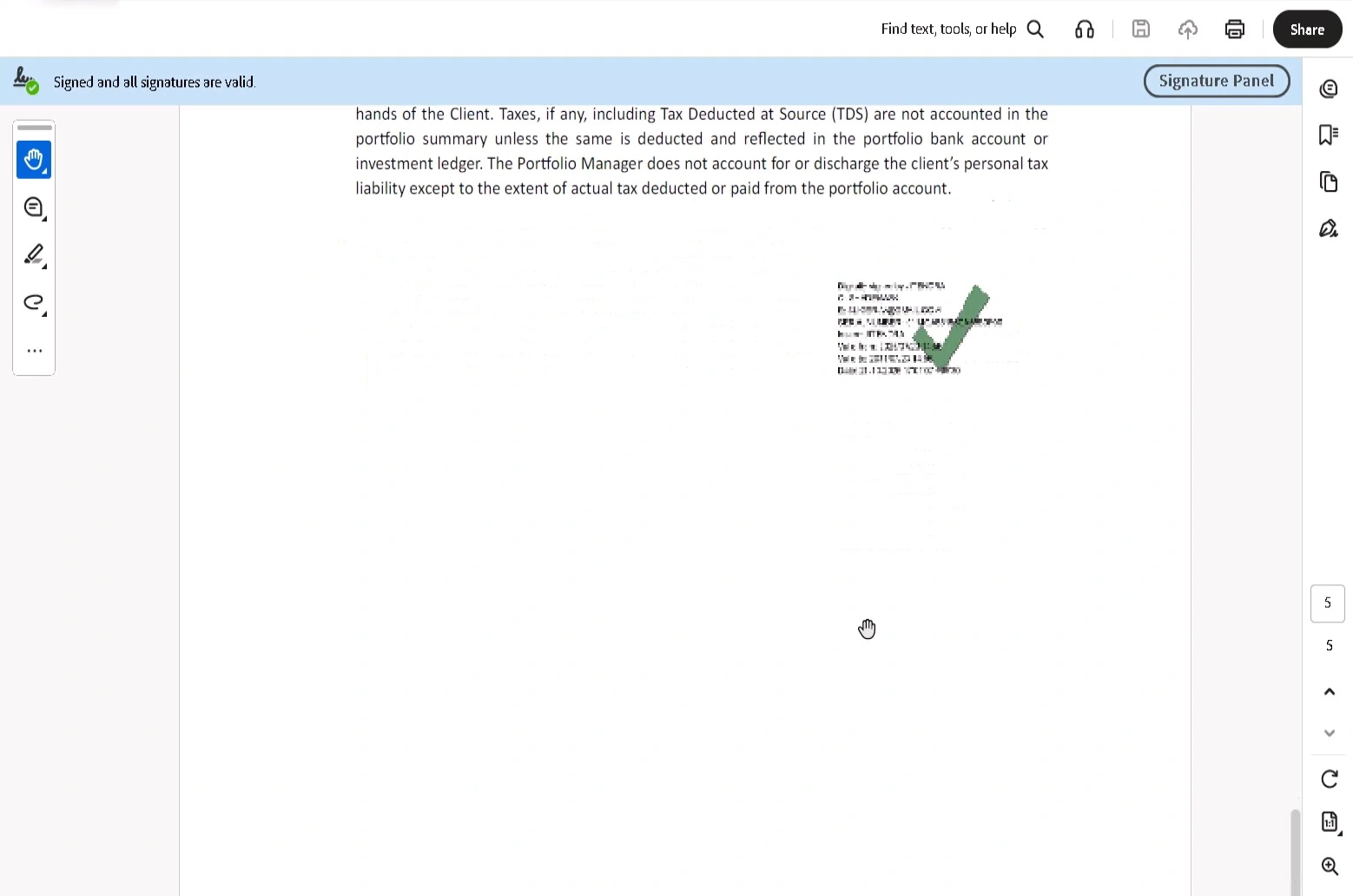
Scroll or swipe to view all five screenshots. Select any screenshot to open it at full size.
JSV TechGroup software can be offered through product-specific licence packages. The exact features, device limits, duration and support included with each package should be confirmed before purchase.
A software licence normally gives the customer permission to use the software according to the purchased licence. It does not automatically transfer the software's source code, copyright, proprietary technology or development rights. Product-specific licence terms will define the exact permitted use.
Process large numbers of business documents and PDF records.
Reduce repetitive file preparation and document organisation.
Support document signing and structured PDF processing workflows.
Automate repetitive document operations across everyday business processes.
Handle repetitive personal or professional PDF processing tasks more efficiently.
Build a more consistent document workflow as processing volume increases.
The software is designed to support bulk PDF signing workflows. The exact number of files that can be processed efficiently depends on document size, computer resources, certificate infrastructure and the selected workflow.
Yes. The signing workflow can support multi-page signing according to the configured signing options and product functionality.
The software is designed to support configurable signature placement so that different document layouts can use appropriate signature positions.
Depending on the configured product environment, supported signing sources may include DSC, compatible PFX/PKCS#12 certificates, Windows certificates and HSM-based signing infrastructure.
Yes. Excel-based workflows can be used where the selected operation supports structured mapping information. Some operations can also work using file names, folders or automatic matching without requiring Excel.
No. The software is a document-processing and signing application. The applicable digital certificate, private key or signing infrastructure remains subject to its own provider, certificate authority and security requirements.
Licence transfer depends on the purchased licence terms. Product-specific activation, device, user and transfer rules should be checked before purchase.
Normally, a software licence provides permission to use the software and does not automatically transfer source-code ownership or copyright. Custom source-code arrangements can be separately agreed where applicable.
Tell us what you currently do manually, how many documents you process and what you want to automate. We can discuss the suitable software option or a custom business solution.